
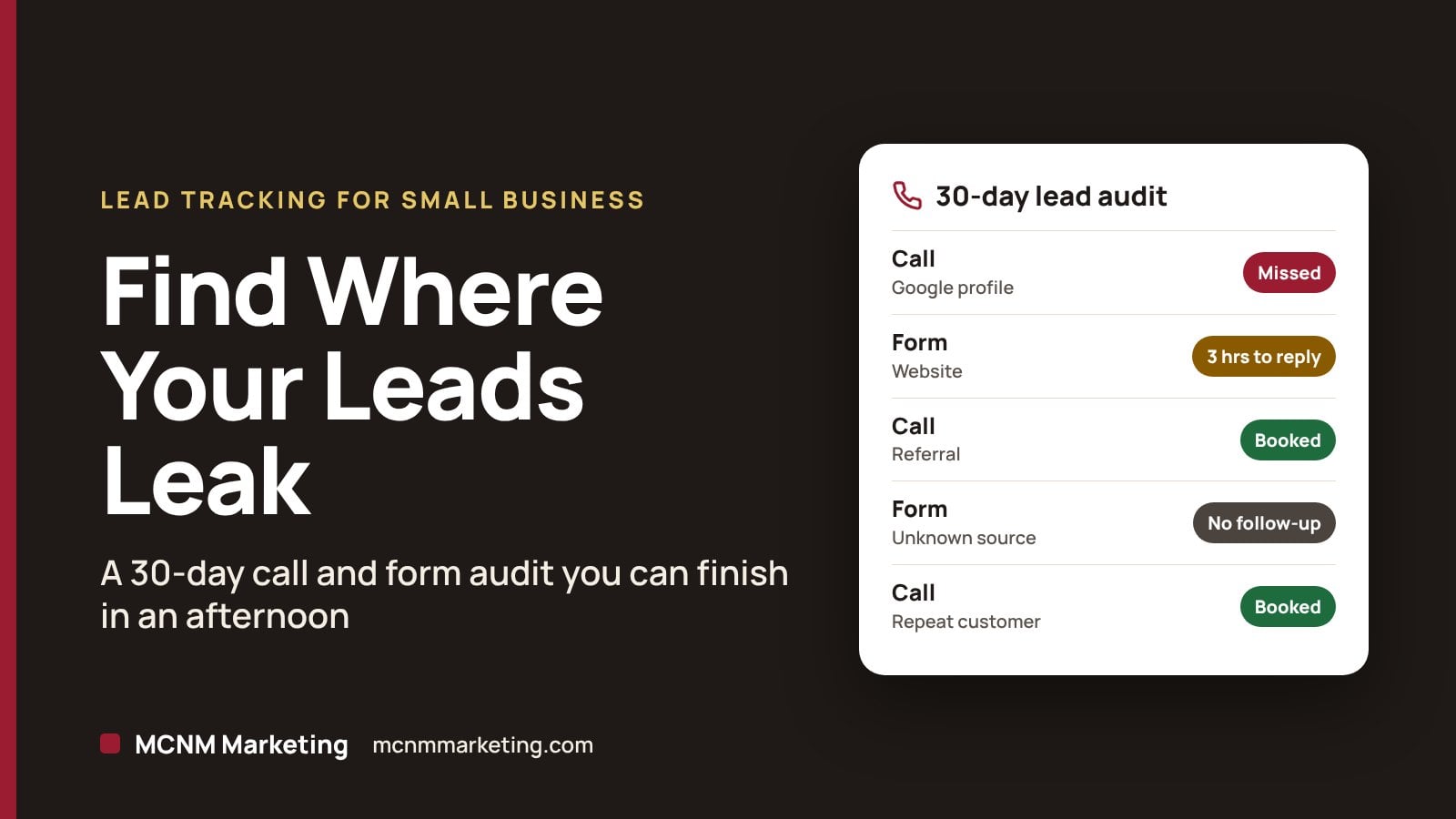
Lead tracking for small business comes down to two questions. Where did your calls and form fills come from, and what happened to each one? A 30-day call and form audit answers both. You need your phone log, your form emails, your Google Business Profile and a simple spreadsheet. You can usually finish it in an afternoon.
It matters because leads leak quietly. A missed call on a Saturday. A form that sat in an inbox overnight. A source nobody wrote down. Research published in Harvard Business Review found that most companies don’t respond to online leads nearly fast enough. This audit shows where your business stands, using your own numbers instead of guesses.
Free workshop · Tue, Dec. 1 · 10–11:30 AM
Learn to track the calls your Google profile brings in
At our free Local SEO & Google Business Profile Workshop, we cover how to track the calls, clicks and leads your profile brings in. MCNM Marketing, 5450 W Sahara Ave Ste 320, Las Vegas. 25 seats.
Reserve my free seatTL;DR
- List every call and form from the last 30 days in one sheet.
- Tag each lead with its source, first response and outcome.
- Check Google’s numbers, but remember Business Profile Calls only count taps on the call button.
- Fix the biggest leak first: missed calls, slow replies, unknown sources or weak follow-up.
- Run the audit again in 30 days to see if the fix worked.
In this guide
- What you need before you start
- How to run a 30-day call and form audit
- What your audit results mean
- How to fix the biggest leak first
- Common lead tracking mistakes
- When to get professional help
- Frequently asked questions
What you need before you start
- Your call log for the last 30 days, from your phone carrier, VoIP app or office phone system.
- Every website form submission, from your form plugin or the notification emails.
- Your Google Business Profile Performance report.
- Google Analytics 4, if your website has it.
- Your calendar, quotes or invoices, so you can see which leads became jobs.
Then make a spreadsheet with these columns:
| Column | What to write |
|---|---|
| Date and time | When the call or form came in |
| Lead name | Who it was |
| Type | Call or form |
| Source | Google Business Profile, website, ads, referral, repeat customer or unknown |
| First response | Answered live, voicemail or missed. For forms, the minutes until someone replied |
| Outcome | Booked, quoted, lost or no follow-up |
| Job value | Optional. The amount, if it became a sale |
How to run a 30-day call and form audit
Step 1: List every call
Export or copy your call log for the last 30 days. Mark each call as answered, voicemail or missed, and flag the ones that came in after hours. Skip spam and vendor calls, but count every real customer, even the ones who didn’t book.
Step 2: List every form fill
Pull every website form submission from the same 30 days. Note when each one arrived and when someone replied. A form answered three days later still counts as a lead. It just counts as a slow one.
Step 3: Tag the source of each lead
Use your notes, emails and memory to write where each lead came from. Anything you can’t place goes in “unknown.” A big unknown pile is a finding, not a failure. It tells you to fix tracking. Starting today, ask every new caller, “How did you hear about us?” and write down the answer.
Step 4: Compare with Google’s numbers
Open your Business Profile, select Performance and pick the last 30 days. Google counts Calls as the number of times someone clicked the call button on your profile. People who copy your number and dial it by hand aren’t counted. Treat Google’s number as a floor, not your total. Website clicks show how many people clicked your website link from the profile.
If you use Google Analytics 4, mark your form submission event as a key event. Google describes key events as a way to measure the actions that are important to your business. To mark one, go to Admin, open Events and click the star next to the event.
Step 5: Mark the outcome
For every lead, write booked, quoted, lost or no follow-up. “No follow-up” is the one to watch. It means someone reached out and nobody got back to them.
Step 6: Add it up
Total each column. Count leads by source, missed calls, average form response time and booked jobs. Then divide booked jobs by total leads for each source. That gives you a simple close rate you can compare month to month.
What your audit results mean
| If you see… | It usually points to… | Fix this first |
|---|---|---|
| Many missed or after-hours calls | A coverage gap | Call forwarding, an answering service or an AI front desk with a clear handoff |
| Forms answered hours or days later | A response gap | Instant alerts to a phone and a same-hour reply rule |
| A big “unknown” source column | A tracking gap | Tag your Google profile link and ask every caller how they found you |
| Plenty of leads but few bookings | A follow-up or offer gap | A written follow-up schedule, faster quotes and a clear next step |
| One source doing most of the work | A concentration risk | Protect that source, then test one new channel |
How to fix the biggest leak first
Close the coverage gap
If calls go unanswered, decide who covers the phone during your posted hours. When your team is out on jobs, an AI receptionist can answer, collect details and pass hot leads to a person. Our guide to AI human handoff for service businesses explains when the AI should hand off and what it should send along.
Close the response gap
Send form alerts to the phone of the person who replies, not to a shared inbox nobody checks. Then set a simple rule: every form gets a reply within the hour during business hours.
Close the tracking gap with UTM tags
Add UTM tags to the website link on your Google Business Profile so Google Analytics can tell those visits apart. Google says to always use utm_source, utm_medium and utm_campaign. It also notes that the values are case-sensitive, so stick to lowercase. A common setup looks like this:
https://www.yourwebsite.com/?utm_source=google&utm_medium=organic&utm_campaign=gbpSwap in your own domain. Then keep asking every new caller how they found you.
Close the follow-up gap
Write a follow-up schedule and put it in your CRM or calendar: same day, two days later and one week later. If you run Google Ads, connect your leads to real sales with offline conversion tracking.
Keep score every week
Once the leaks are closed, watch a few numbers every week so they stay closed. Our small business scorecard lays out seven numbers to check every Monday.
Common lead tracking mistakes
- Counting only form fills. Phone calls are leads too, so log both.
- Treating Google’s call count as your total. It only counts taps on the call button.
- Guessing the source. Write down what you know and label the rest unknown.
- Skipping the outcome column. Leads without outcomes can’t tell you what’s working.
- Fixing five things at once. Fix the biggest leak, then run the audit again in 30 days.
When to get professional help
If the audit shows leaks you don’t have time to fix, start with our free marketing audit. We review your website, Google Business Profile and rankings, then hand you a prioritized 90-day plan.
Want a quick self-check first? The free Local Visibility Score scores your profile, reviews, website, tracking and lead follow-up in about two minutes. For ongoing help turning Google searches into calls, see our local SEO services in Las Vegas, or call (702) 608-4226.
Our perspective
A lot of marketing reports focus on clicks and impressions. We count calls, booked jobs and revenue, because that’s what pays the bills.
A 30-day audit is the simplest way I know to see what’s working. It isn’t fancy. It’s a spreadsheet and an honest afternoon. And it often shows the biggest leak quickly.
We’ll cover tracking calls, clicks and leads at our free Dec. 1 workshop. Bring your questions and your Google login.
Michael O. Franklin Jr., founder, MCNM Marketing
Frequently asked questions
What is lead tracking for a small business?
Lead tracking means recording every call, form and message, where it came from and what happened next. For a small business, a spreadsheet works. Track the date, source, response time and outcome for each lead, and you’ll see which marketing brings in paying customers.
How do I track calls from my Google Business Profile?
Open your Business Profile, select Performance and choose a date range. The Calls number shows how many times people clicked the call button on your profile. Calls dialed by hand aren’t counted, so pair Google’s number with your own call log and ask callers how they found you.
How fast should I respond to a website form?
As fast as you can during business hours. Harvard Business Review research on online sales leads found that most companies don’t respond nearly fast enough. A practical rule for a small business is a reply within the hour, with phone alerts so forms never sit unread.
Do I need call tracking software to track leads?
Not to start. A 30-day manual audit shows where your leads come from and where they leak. If your unknown column stays large, call tracking can help. Plan it carefully and keep your main business phone number the same on your Google Business Profile and website.
How often should I run a call and form audit?
Run it monthly until your biggest leaks are fixed, then quarterly. Run it again after any big change, like a new website, a new ad campaign or a new person answering the phones. Each audit goes faster once your sheet and habits are in place.
Sources
- The Short Life of Online Sales Leads (Harvard Business Review, March 2011)
- Understand your Business Profile performance (Google Business Profile Help)
- Key events (Google Analytics Help)
- Collect campaign data with custom URLs (Google Analytics Help)
Find the leak, then fix it
Bring your audit sheet to our free Local SEO & Google Business Profile Workshop on Tuesday, Dec. 1, 10–11:30 AM, at 5450 W Sahara Ave Ste 320, Las Vegas. Seats are limited to 25.
Reserve my free seatCall (702) 608-4226
Leave a Reply