
Google Business Profile posts are short updates you publish on your listing. They share announcements, offers, updates and events with people who find you on Google Search and Maps. To post, open your profile, choose Posts, then Add post, pick a type, add a photo and details, and hit Post.
That takes about five minutes. If you run a plumbing, HVAC, roofing, landscaping or cleaning company in Las Vegas, Henderson, Southern California or Northern Arizona, those five minutes put fresh, useful information in front of people who are already searching for you. This guide shows you what to post, what Google allows, and how to keep it going without eating your week.
TL;DR
- Posts are free updates that show on your Business Profile in Search and Maps. Google says they help customers decide to visit.
- Google offers three post types: Update, Offer and Event. Each has its own required fields.
- Follow Google’s content rules. Skip phone numbers in the text, use a button instead, and keep posts professional.
- Google archives posts after six months unless you set a date range, so plan a steady rhythm.
- A 15-minute weekly routine beats a burst of ten posts followed by silence.
Table of Contents
- What Google Business Profile posts are
- Where customers see your posts
- The three post types
- What to post: ideas for local service businesses
- How to create a post, step by step
- Google’s rules for posts
- How long posts stay up
- A 15-minute weekly routine
- Common mistakes to avoid
- Do posts help you rank?
- Our perspective
- Google Business Profile help in Las Vegas and beyond
- FAQ
- Sources
What Google Business Profile posts are
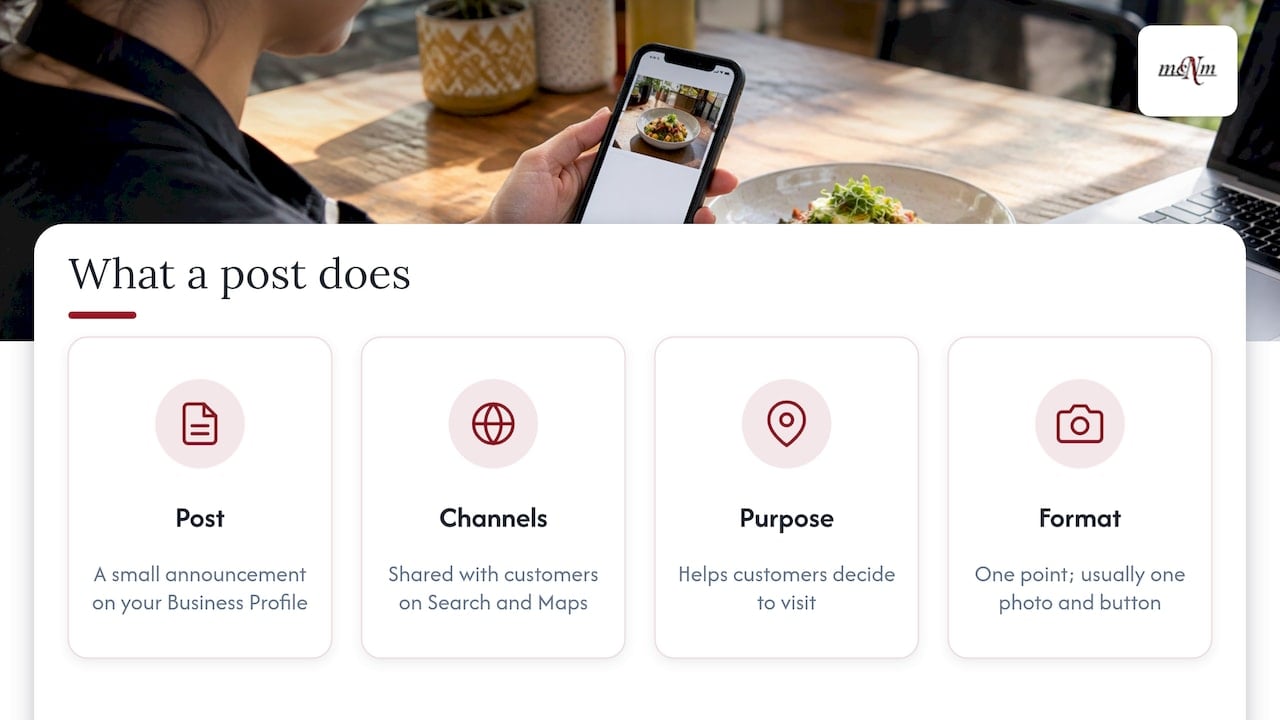
A post is a small announcement that lives on your Business Profile. Google describes posts as a way to share announcements, offers, updates and event details directly with customers on Search and Maps. Google also says that when customers see these updates, it helps them decide to visit your business.
Think of a post as a window display. A shopper walking past a storefront notices the sign that says “Free estimates this week” or “New ceramic coating service.” A post does the same job for a person scanning your listing on their phone.
A post is not a blog article. It is short, it has one point, and it usually has one photo and one button.
Where customers see your posts
Placement depends on the device. According to Google’s Business Profile Help page, customers can find posts here:
- On mobile: in the Updates or Overview tab of your Business Profile, on both Search and Maps.
- On a computer: in the “From the owner” section, on both Search and Maps.
- As featured posts on mobile: posts added directly to your profile. Posts about events, deals or specials may show up this way automatically, sourced from your social channels such as Facebook and Instagram or from posts you create on the profile.
Most local searches happen on phones. A person in Henderson typing “AC repair near me” will likely see your Overview tab first. Make sure what shows there is current.
The three post types
Google’s help documentation lists three types. Pick the one that fits your message.
| Post type | Best for | What Google asks for |
|---|---|---|
| Update | News, new services, seasonal reminders, project highlights | Description, photo or video, optional action button with a link |
| Offer | Discounts, specials, coupons | Title, dates and times; adds a “View Offer” button; optional description, media, coupon code, link and terms |
| Event | Open houses, workshops, community days | Title, start and end dates and times |
These details come from Google’s post help page. Two details matter in practice:
- For an Update, the button can send customers to a page where they can book, order online or learn more. Pick the action that matches what you want them to do next.
- If an event has no start or end time, Google shows it as lasting 24 hours on the event dates. Always add real times.
What to post: ideas for local service businesses
Google’s guidance is to post announcements, offers, updates, event details, sales, specials and news, with photos or videos, descriptive titles and clear dates. Here is how that looks for real local businesses.
Seasonal service reminders
Las Vegas summers are hard on air conditioners. An HVAC company can post a short Update in spring: “Book your AC tune-up before the heat arrives,” with a photo of a technician at work and a Book button. In Flagstaff and Prescott, a heating or snow-removal company can do the same in early fall. In San Diego or the Inland Empire, a pest control or landscaping company can tie posts to the seasons that matter there.
Offers with clear dates
An Offer post needs a title and dates. A Henderson pool service might run “First month of weekly cleaning, new customers only,” with start and end dates and terms. Keep the terms plain so no one feels tricked.
Project highlights
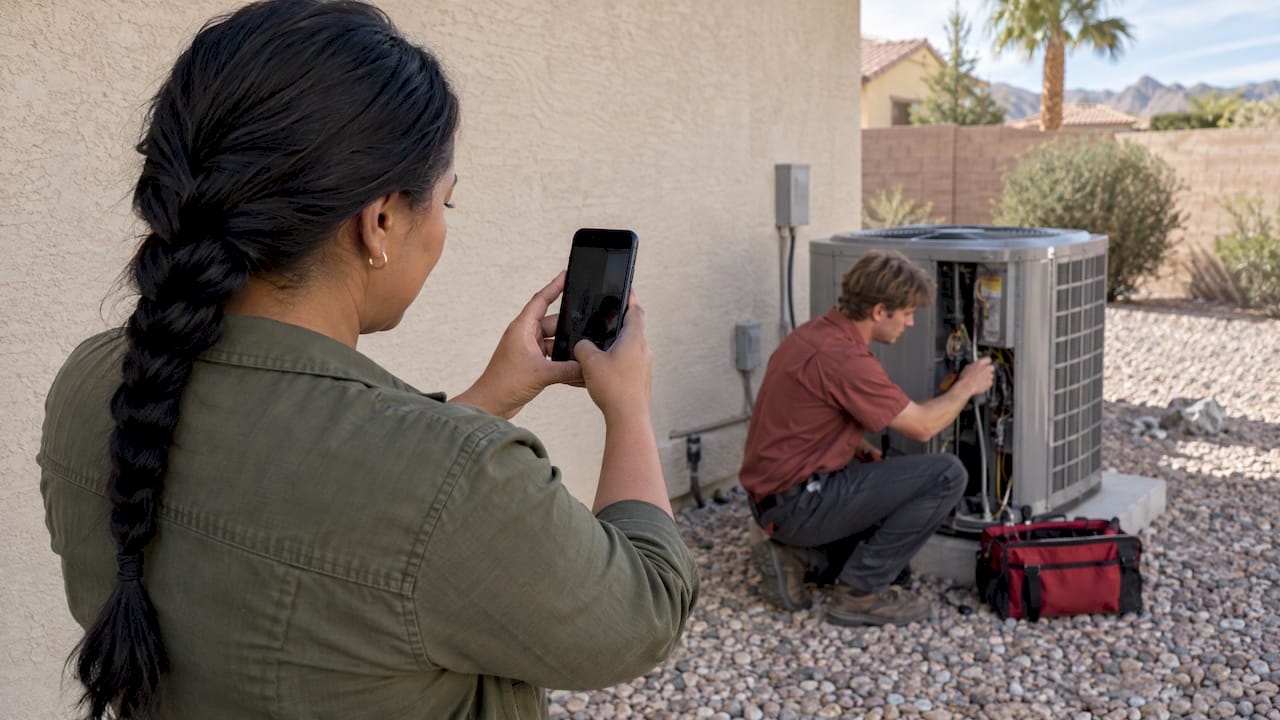
A before-and-after photo from a finished job is the strongest content most service businesses have. Add the neighborhood or city in the text, such as “Kitchen remodel in North Las Vegas.” Only post work you did and have permission to show.
New services or hours
Added weekend appointments? Started serving Sedona? Post it. Customers cannot choose you for a service they do not know you offer.
Events
Tourism and seasonal businesses in Sedona, Flagstaff and Prescott can use Event posts for tours, classes or seasonal openings. Add the start and end times every time.
Team and trust updates
A short post introducing a new technician or celebrating a licensing milestone builds familiarity. Share only facts that are true and that you can back up.
How to create a post, step by step
Here is the process from Google’s help page:
- Go to your Business Profile.
- Select Posts, then Add post.
- Choose Update, Offer or Event.
- Add your details: a descriptive title or description, a photo or video, and dates if needed.
- Optionally schedule the post or set it to repeat.
- Select Post.
If you manage more than one profile, Google lets you share a post across multiple profiles or skip that and post to one. A company with locations in Las Vegas and San Diego might share a brand announcement across both but post local offers to one.
After you publish, Google reviews the post. Its status will be Live, Pending or Not approved.
Edit or delete a post
You can fix mistakes before or after publishing. On Search, tap More, then Edit or Delete. In the Maps app, sign in with the account that manages the profile, find the post and tap More, then Edit or Delete. Google’s edit and delete page walks through both.
Google’s rules for posts
Posts that break the rules can be rejected. A pattern of violations can hurt your whole profile, so know the basics.
- No unverified contact details. Google’s content policy says it may remove posts with unverified phone numbers, email addresses and social media handles. The recommended fix is a “Call now” button that uses the verified phone number on your profile.
- Keep it professional. Google’s post help says posts should be professional, respectful and family-friendly.
- Links must be safe. Links must lead to trusted websites, not malware, phishing or pornographic material.
- Regulated industries. You can use posts, but you must not include content about the regulated products.
- Hotels. Hotels can post local updates but cannot create Offer posts or mention deals, promotions or discounts, according to the content policy.
- Profile-level consequences. Google’s overview of Business Profile policies says all content must follow its prohibited and restricted content policies. If a business keeps violating them, its profile can be restricted, and a restricted account means all linked profiles are suspended.
The practical rule: write like a neighbor talking to a neighbor, use the buttons, and never copy a competitor’s photos or text.
How long posts stay up
Google archives posts older than six months unless you set a date range. Offers and events end on their dates. Updates do not carry an end date by default, so they age out.
That is a good reason to post on a schedule. A profile whose latest post is eight months old looks forgotten. Picture two pool services side by side in Summerlin. One shows a post from last week about summer openings. The other shows nothing. Most people pick the one that looks active.
A 15-minute weekly routine
You do not need a content team. Use this routine.
- Minute 0 to 3: Pick one topic from your week. A finished job, a seasonal tip, a schedule change.
- Minute 3 to 8: Take or choose one clear photo. Real photos of your crew, trucks and work beat generic images.
- Minute 8 to 12: Write two or three short sentences. Name the city. State the one thing you want the customer to do.
- Minute 12 to 15: Choose a button, such as Book or Learn more. Post it or schedule it.
Once a month, review your post list. Delete anything outdated and add an Offer if you have a slow period coming.
A sample Update post
Title: AC tune-ups now booking in Henderson
Summer heat is close. Our technicians check refrigerant, filters and thermostat settings in one visit. Pick a time that works for you.
Button: Book
This works because it is specific, local and has a clear next step.
Common mistakes to avoid
- Putting a phone number in the text. Use the Call button instead. Posts with unverified numbers may be removed.
- Posting once and stopping. Silence looks like neglect. A weekly rhythm is enough.
- Vague titles. “Special offer” tells nobody anything. “$50 off first drain cleaning, ends Dec. 15” does.
- Skipping dates on Offers and Events. Google requires them, and customers need them.
- Using the same photo every time. Fresh images show real activity.
- Ignoring the rest of the profile. Posts sit on top of your categories, services, photos and reviews. If those are thin, posts cannot carry the load. Our Google Business Profile optimization checklist covers the full setup.
Do posts help you rank?
The honest answer is that Google’s own help pages describe posts as a way to inform customers and help them decide to visit. They do not say posts raise your ranking. We do not promise that they will.
What posts do reliably is give people on your listing a reason to call, book or visit. That is the part you control. Rankings in the Map Pack depend on many other signals, which is why we look at the whole profile, reviews, citations and your website together. If you want to see where you stand today, run the free Local SEO Checkup.
Our perspective
Most owners we meet in Las Vegas treat Google posts as a chore they will get to “someday.” Then they wonder why a competitor with a fresher-looking listing gets the call.
We run our work on one idea: marketing should be judged by leads, calls and revenue, not by vanity numbers. Posts fit that idea when they are tied to a real action. Each post needs a button, a clear offer or a clear reason to contact you. We build every plan on Search Console, call and conversion data so we can see what customers do after they see your profile.
The best results come when posts are one part of a complete profile. Accurate categories, strong photos, steady reviews and a fast website make each post work harder. That is why our Google Business Profile work covers the whole listing, not only the posting calendar.
Start small. One honest post a week, with a real photo from a real job, is better than a flashy burst that fades. If you want help, we will set it up and keep it running.
Michael O. Franklin Jr.
Google Business Profile help in Las Vegas and beyond
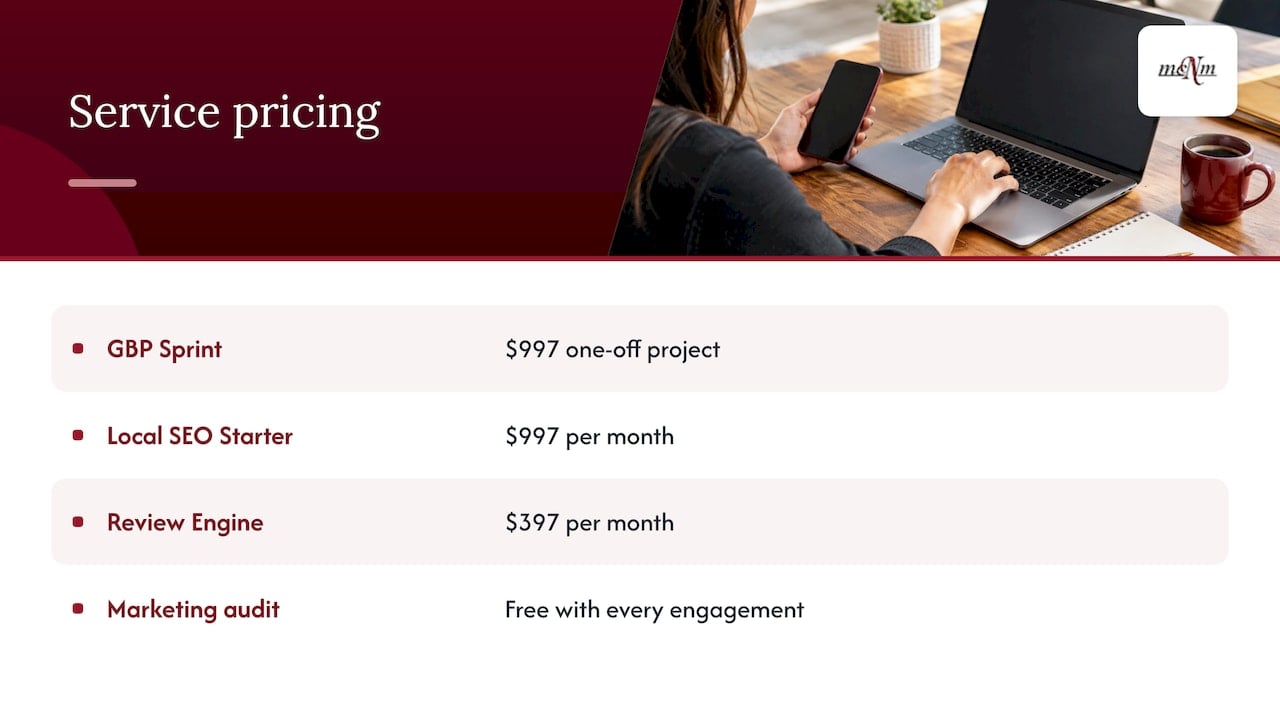
If you would rather hand this off, our team in Las Vegas works with service businesses across Southern Nevada, Southern California and Northern Arizona. Our Google Business Profile Sprint is a one-off project at $997. For ongoing local search work, Local SEO Starter is $997 per month, and our Review Generation Engine is $397 per month. You can see every published price on our pricing page.

Not sure where to begin? Every engagement starts with a free marketing audit. We will look at your profile, your reviews and your website, and tell you what to fix first. Call (702) 608-4226 or request your free audit.
If posts and reviews start bringing more calls, make sure you answer them. The free Missed Call Calculator shows what unanswered calls may cost your business each month. For the bigger picture, see our local SEO guide for Las Vegas small businesses.
FAQ
How often should I post on my Google Business Profile?
Google does not set a required schedule. Because posts are archived after six months unless you set a date range, a steady rhythm keeps your listing looking current. For most service businesses, one post a week is realistic and enough.
Why was my Google Business Profile post rejected?
The most common cause is unverified contact information, such as a phone number or email in the text. Google also rejects content that is not professional or family-friendly, or that links to unsafe sites. Edit the post, remove the contact details, add a Call button, and publish again.
Can I edit or delete a post after it goes live?
Yes. On Search, tap More, then Edit or Delete. In the Maps app, sign in with the account that manages your profile, find the post and use the same More menu. Fix outdated offers quickly so customers do not show up expecting a deal that ended.
Where do customers see my posts?
On mobile, they appear in the Updates or Overview tab on both Search and Maps. On a computer, they appear in the “From the owner” section. Some event, deal and special posts can also show as featured posts on mobile.
Sources
- Create & manage posts on your Business Profile (Google Business Profile Help)
- Edit or delete your Business Profile posts (Google Business Profile Help)
- Business Profile photos, videos & posts content policy (Google Business Profile Help)
- Overview of Business Profile policies (Google Business Profile Help)
Leave a Reply