

This free Google Ad Grants course shows nonprofits and ministries how to keep their grant active and put more of it to work. Google gives qualifying nonprofits up to $10,000 a month in search ads. Most accounts use a fraction of it, and many lose it to a compliance rule nobody explained.
Six short lessons. Each one ends with a checklist you can run in your account this week. No cost and no sign-up wall.
The Google Ad Grants course at a glance
| Lesson | What you fix | Time |
|---|---|---|
| 1. The rules that keep your grant on | Compliance gaps that trigger deactivation | 30 minutes |
| 2. Conversion tracking that counts | Missing or junk conversions | 1–2 hours |
| 3. Smart Bidding without the guesswork | The wrong bid strategy | 20 minutes |
| 4. Keywords and the 5% CTR rule | Low CTR and banned keywords | 45 minutes |
| 5. Spend more of the $329 a day | Unused grant budget | 30 minutes |
| 6. Landing pages and the monthly routine | Clicks that never convert | 1 hour a month |
Take the Ad Grants course in Google Classroom
Prefer to learn with a class? The same six lessons live in a free Google Classroom class. You get every lesson, every checklist and the final project: an Ad Grant Health Check you upload when you finish.
Class code: fhudewim
- Go to Google Classroom and sign in with any Google account.
- Click the plus (+) button and choose Join class.
- Enter the code fhudewim.
Running paid Google Ads too? Join our free Google Ads course in Classroom with code sy5eg7hp.
Lesson 1: The Google Ad Grants rules that keep your grant on
Optimization comes second. An account that gets deactivated produces nothing, so start by checking it against Google’s published policies.
- 5% click-through rate. Measured across the whole account each month. Miss it two months in a row and Google can temporarily deactivate the account.
- At least 2 ad groups per campaign, each with tightly related keywords that match its ads and landing page.
- At least 2 sitelink assets.
- Geo-targeting that fits your mission. Most campaigns should target the local area you serve.
- Keyword rules. No single-word keywords (your brand and approved medical conditions are exceptions), no overly generic keywords, and no keywords with a Quality Score of 1 or 2.
- The program survey. Google sends a survey to every grantee from time to time. Skip it and the account can be deactivated. Make sure your notification email receives Google’s emails.
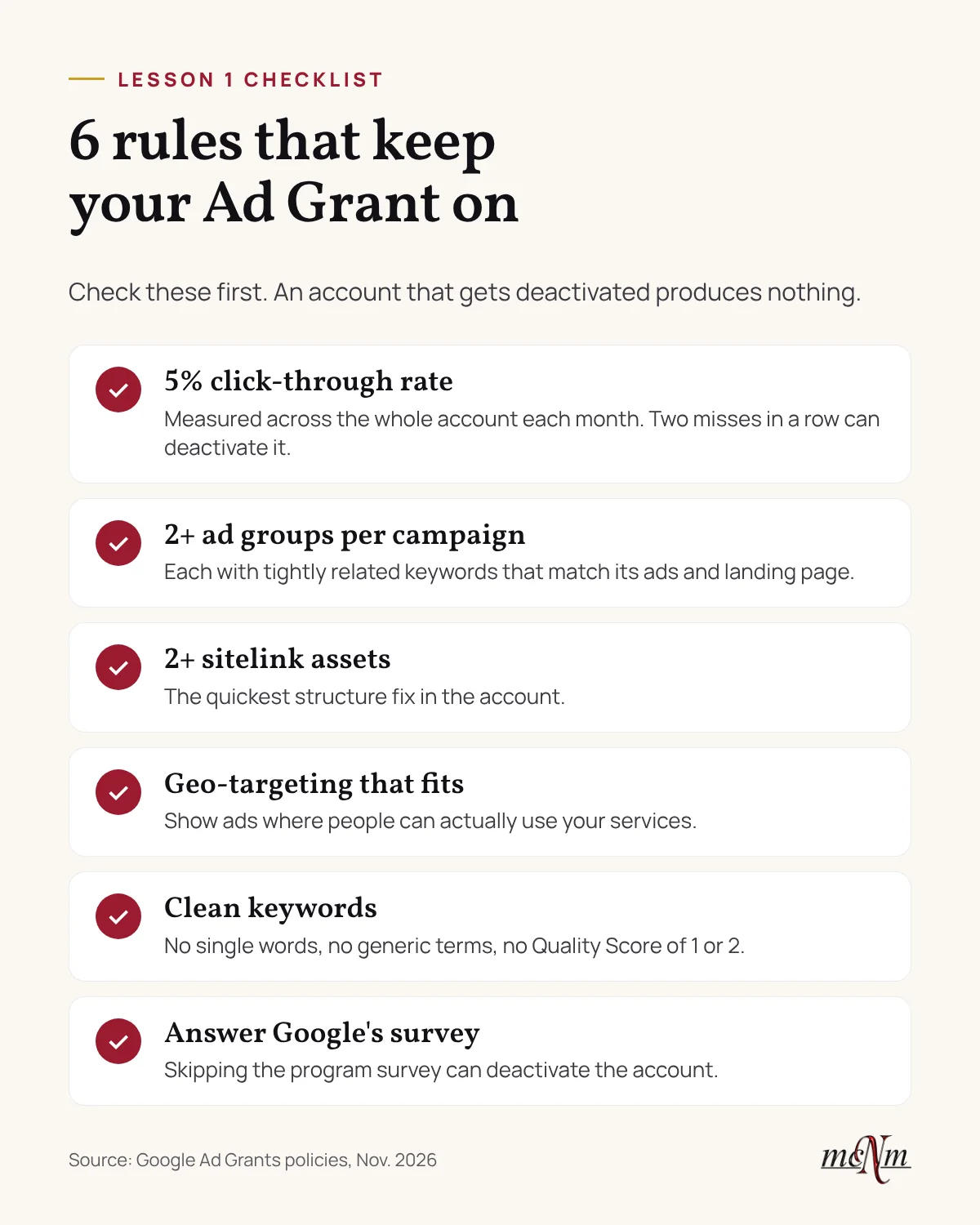
Your checklist: open the Ad Grants Account Review Dashboard, note every red item, and fix structure issues (ad groups, sitelinks, geo) first. They take minutes.
Lesson 2: Google Ad Grants conversion tracking that counts
Accounts created on or after January 1, 2018, and any account using conversion-based Smart Bidding, need valid conversion tracking and at least 1 conversion per month. Without it, you also can’t prove the grant did anything.
Which conversions qualify
Google lists donations, purchases, ticket sales, memberships, email sign-ups, volunteer sign-ups, petitions, quizzes, information requests, calls and content engagement. Time on site and homepage visits don’t qualify. Track them if you like, but move them out of “Conversions” into the “Other” category.
The red flag to check
If conversions nearly equal clicks, something is counting page loads. Fix the tag before you trust any number. Our guide on fixing Google Ads conversion tracking walks through it step by step.
Your checklist: list your conversion actions, mark each “qualifies” or “other,” and test one donation or form fill end to end.
Lesson 3: Smart Bidding for Ad Grants without the guesswork
Accounts created on or after April 22, 2019 must run every campaign on a conversion-based strategy: Maximize conversions, Maximize conversion value, Target CPA or Target ROAS. Google can change non-compliant bid strategies automatically.
Rebuilding after a deactivation? Google suggests starting on Maximize clicks to gather traffic, turning on conversion tracking right away, and switching to conversion-based bidding once data comes in. Google calls 15–30 conversions in the last 30 days a good starting point.
Your checklist: check each campaign’s bid strategy. If it’s Manual CPC on a newer account, it needs to move.
Lesson 4: Ad Grants keywords and the 5% CTR rule
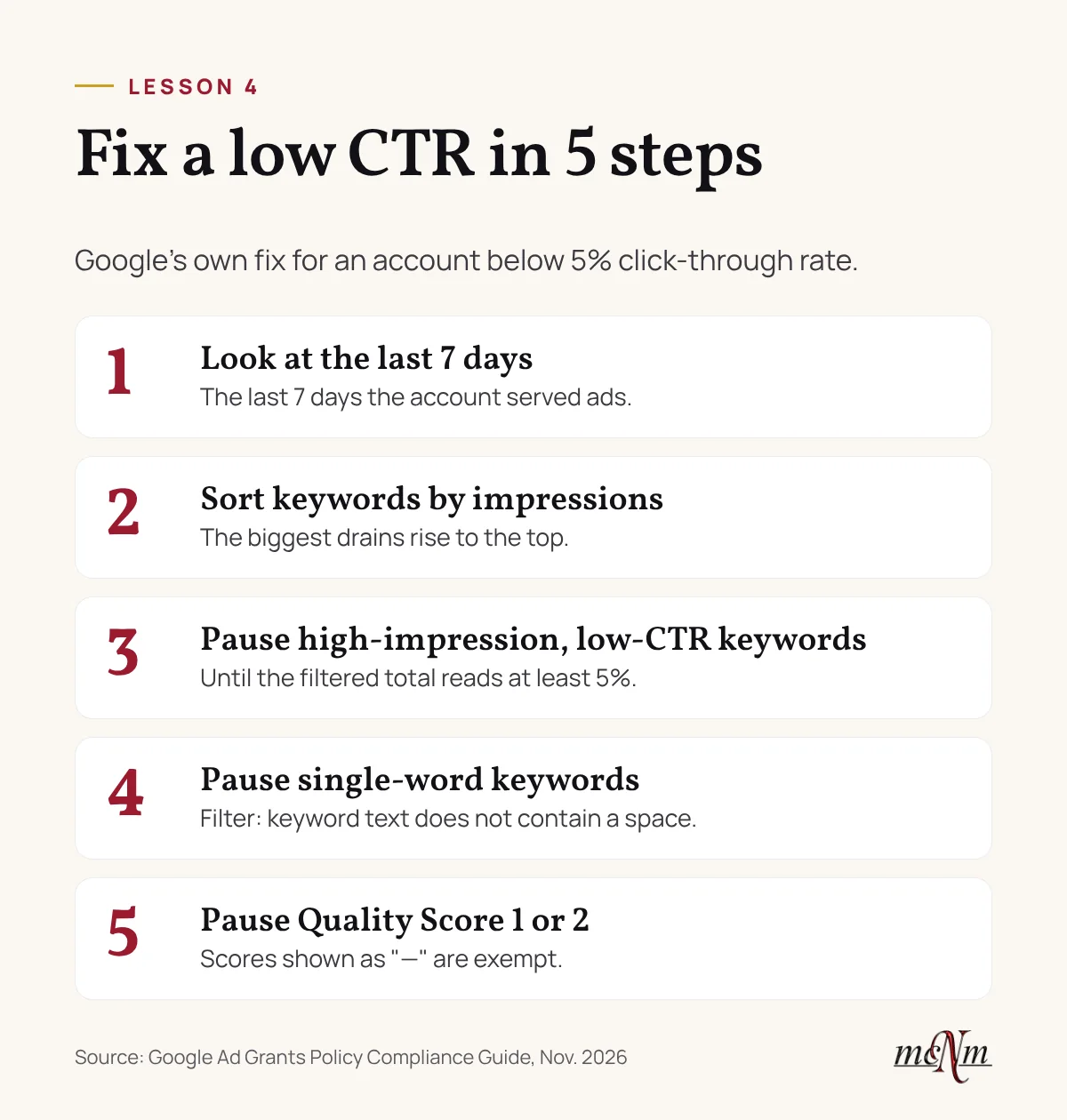
CTR is the rule that deactivates the most accounts. Google’s own fix is simple:
- Set the date range to the last 7 days the account served ads.
- Sort keywords by impressions.
- Pause high-impression, low-CTR keywords until the filtered total reads at least 5%.
- Pause single-word keywords with a “keyword text does not contain [space]” filter.
- Add the Quality Score column and pause anything scored 1 or 2. Scores shown as “—” are exempt.
Then add back intent. Swap “food bank” for “food bank near Henderson open Saturday.” Longer phrases match what people actually need, and they get clicked.
Your checklist: run the 5 steps above, then set an automated rule to pause low-Quality-Score keywords. Double-check the rule’s threshold before you save it.
Lesson 5: Spend more of the $329 a day
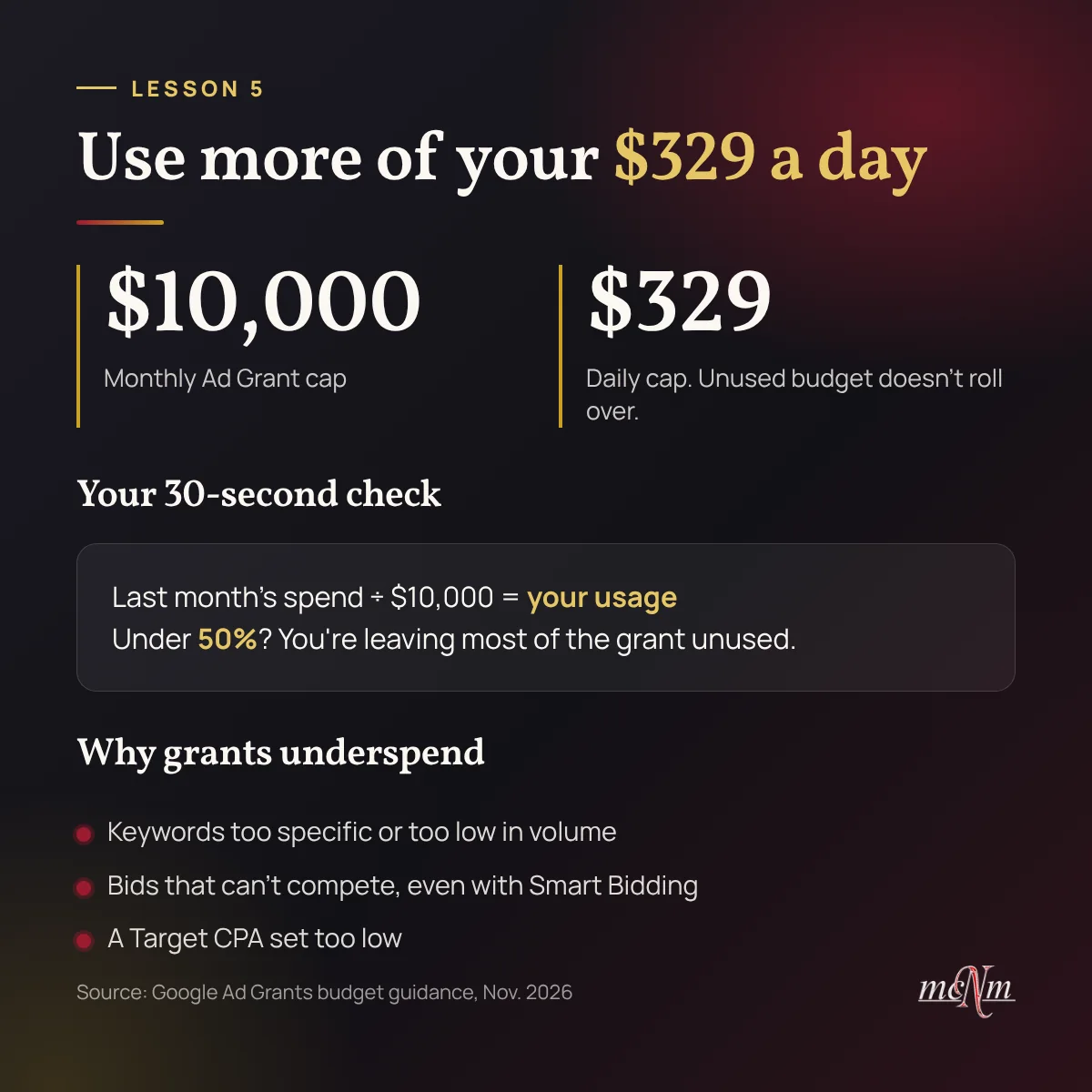
Google caps Ad Grants at $10,000 a month, which works out to $329 a day. The account never spends past that cap, even if your campaign budgets add up to more. Unused budget doesn’t roll over.
Google names the usual reasons an account underspends: keywords too specific or low-volume, and bids that can’t compete even with Smart Bidding. A Target CPA set too low is a common culprit.
Your checklist: divide last month’s spend by $10,000. Under 50%? Add keyword themes for each program you run, and loosen any tight Target CPA.
Lesson 6: Landing pages and the monthly Ad Grants routine
Every ad group should land on a page about that one thing, with one clear action: donate, volunteer, register or call. Sending everything to the homepage drags down Quality Score and conversions together.
| When | What you do | Lesson |
|---|---|---|
| Every week | Check account CTR against 5% | 4 |
| Every month | Confirm at least 1 qualifying conversion; pause QS 1–2 keywords | 2 and 4 |
| Every month | Compare spend to the $10,000 cap | 5 |
| Every quarter | Review the Account Review Dashboard and landing pages | 1 and 6 |
| When it arrives | Answer Google’s program survey | 1 |
Run the grant alongside paid ads
The grant only runs search ads. Many nonprofits pair it with paid campaigns for reach the grant can’t cover. Our nonprofit Google Ads guide explains how to run both. If you’d rather hand it off, see our Google Ad Grants management service, or our landing page build if your pages are the weak link.

Frequently Asked Questions
Yes. All six lessons and checklists are free with no sign-up wall. Management services from MCNM Marketing are optional for nonprofits that want the work done for them.
The most common cause is an account-level click-through rate under 5% for two consecutive months. Missing sitelinks, poor geo-targeting, non-compliant bidding, missing conversion tracking and an unanswered program survey can also lead to deactivation. Accounts can be reinstated after the issues are fixed.
Up to $10,000 a month in Google Search ads, which Google describes as $329 a day. The account will not spend past the daily cap, and unused budget does not carry over.
For most accounts, yes. Accounts created on or after January 1, 2018, and any account using conversion-based Smart Bidding, must track valid conversions and record at least one each month.
Start with Lesson 1 and the Account Review Dashboard. Fix anything that puts the account at risk, then set up conversion tracking in Lesson 2. Every other lesson depends on those two.
Get a Free Ad Grant Audit
We’ll check your account against Google’s compliance rules and show you how much of the $10,000 you actually use. Call (702) 608-4226 or request it online.